
CAD SDK for web.
View, mark up and measure DWG, DXF, DGN and PLT inside your own product. No AutoCAD, no plugin, no desktop install.
- Dashboard
- Projects
- Drawings
- Issues
- Reports
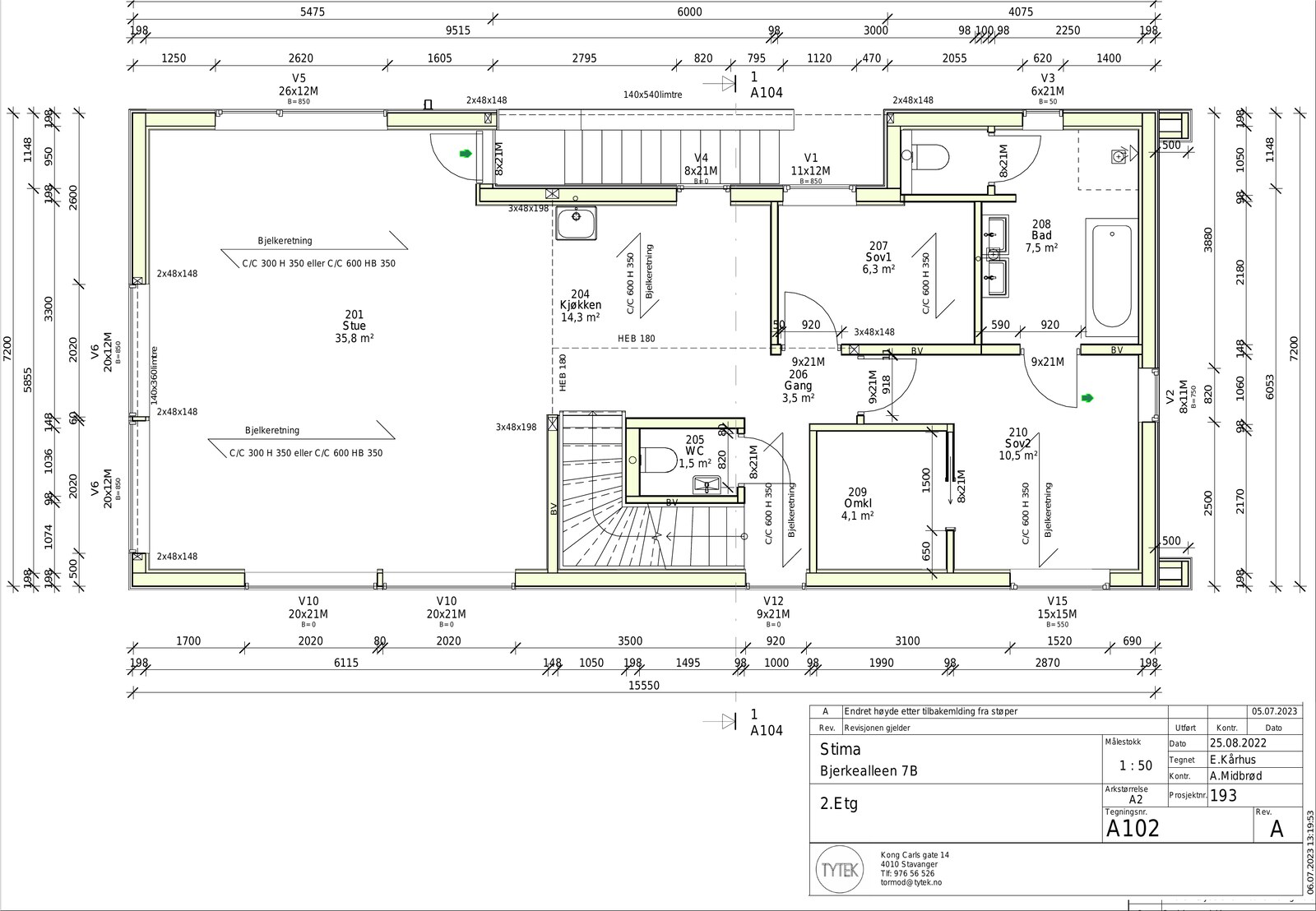
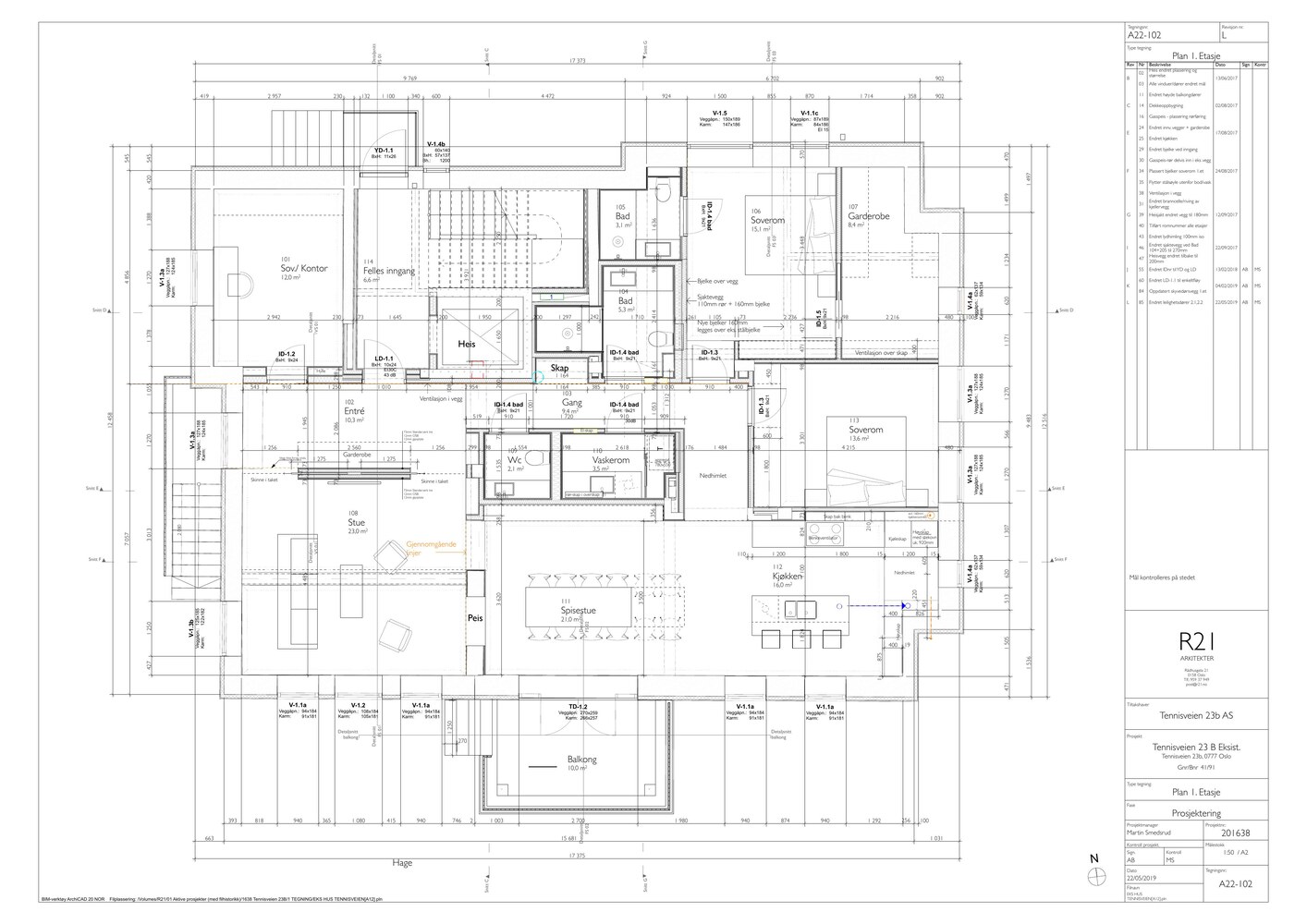
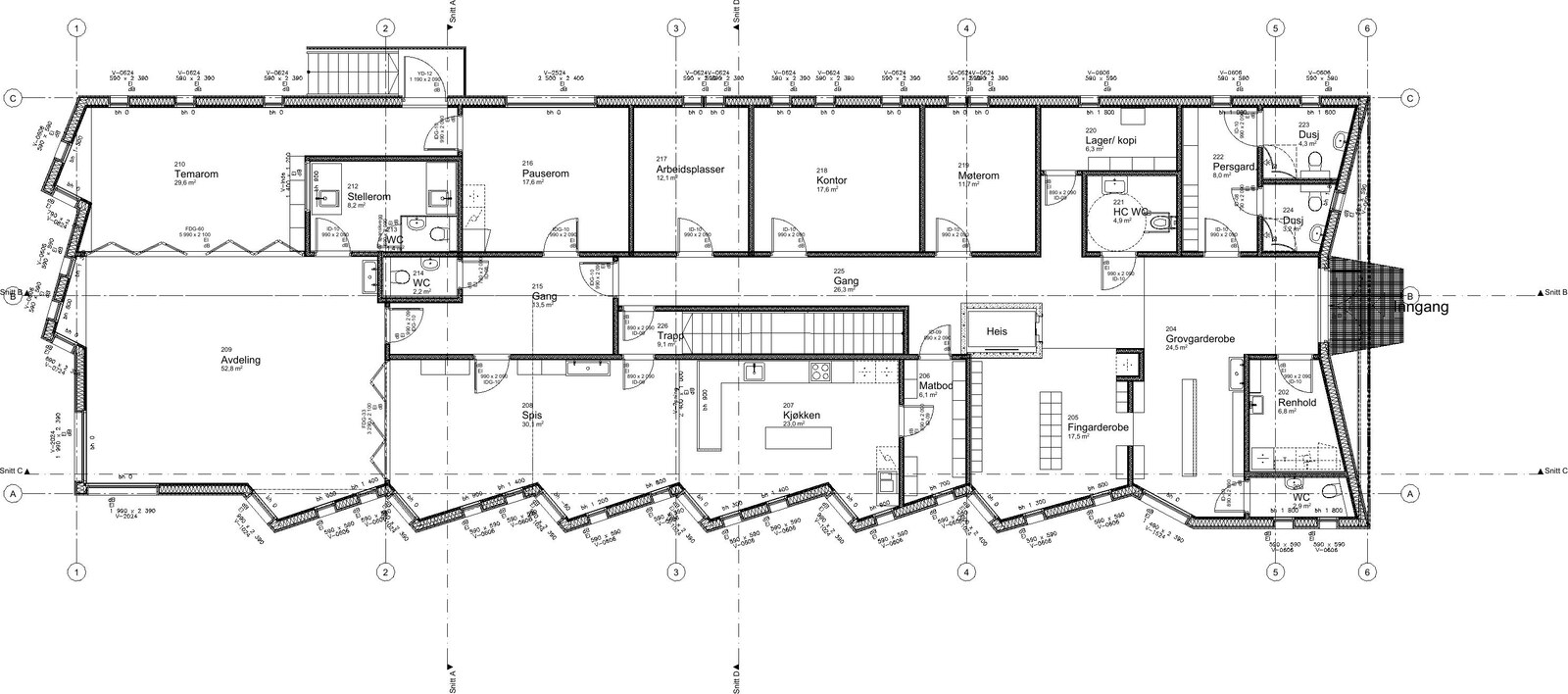
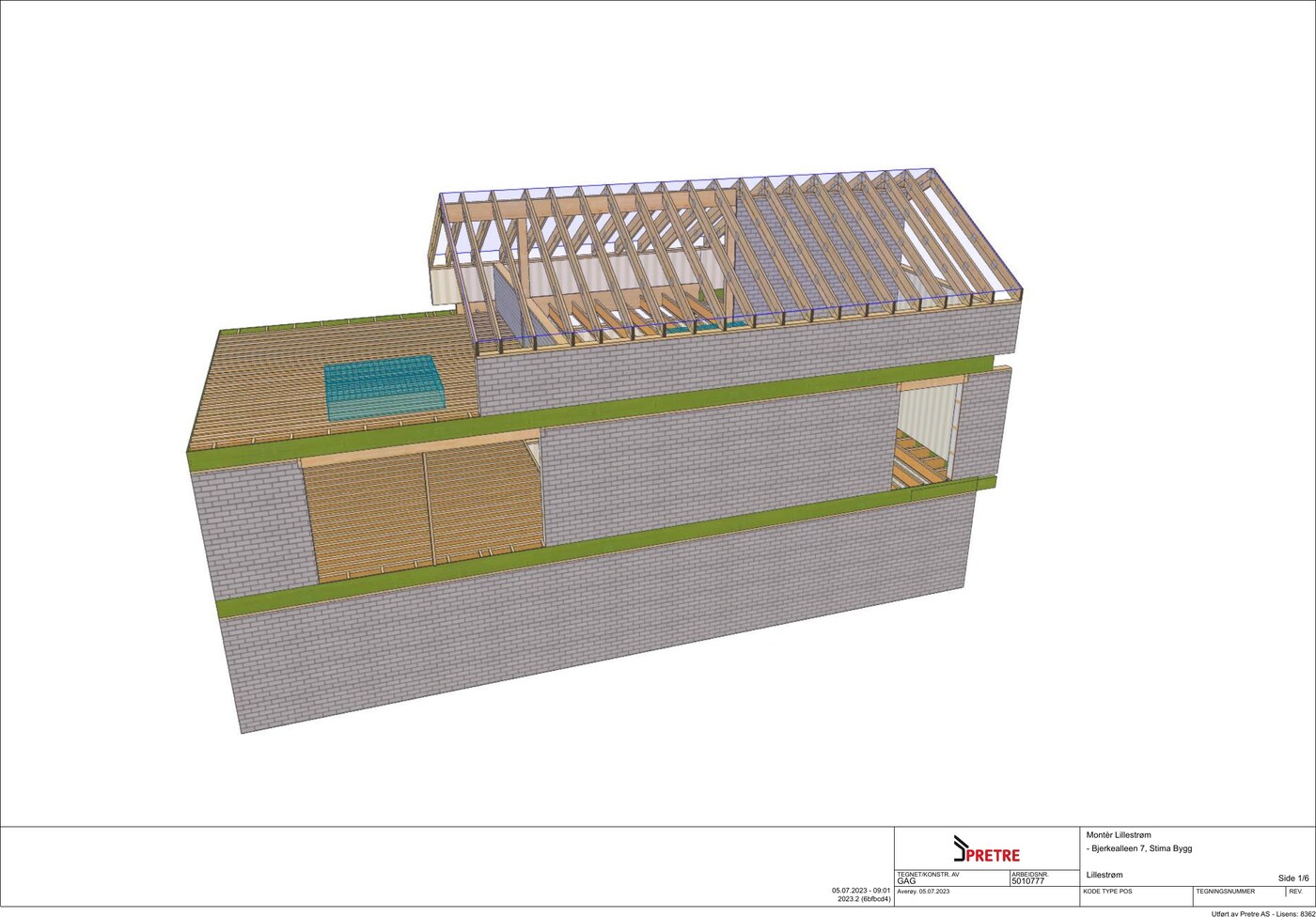
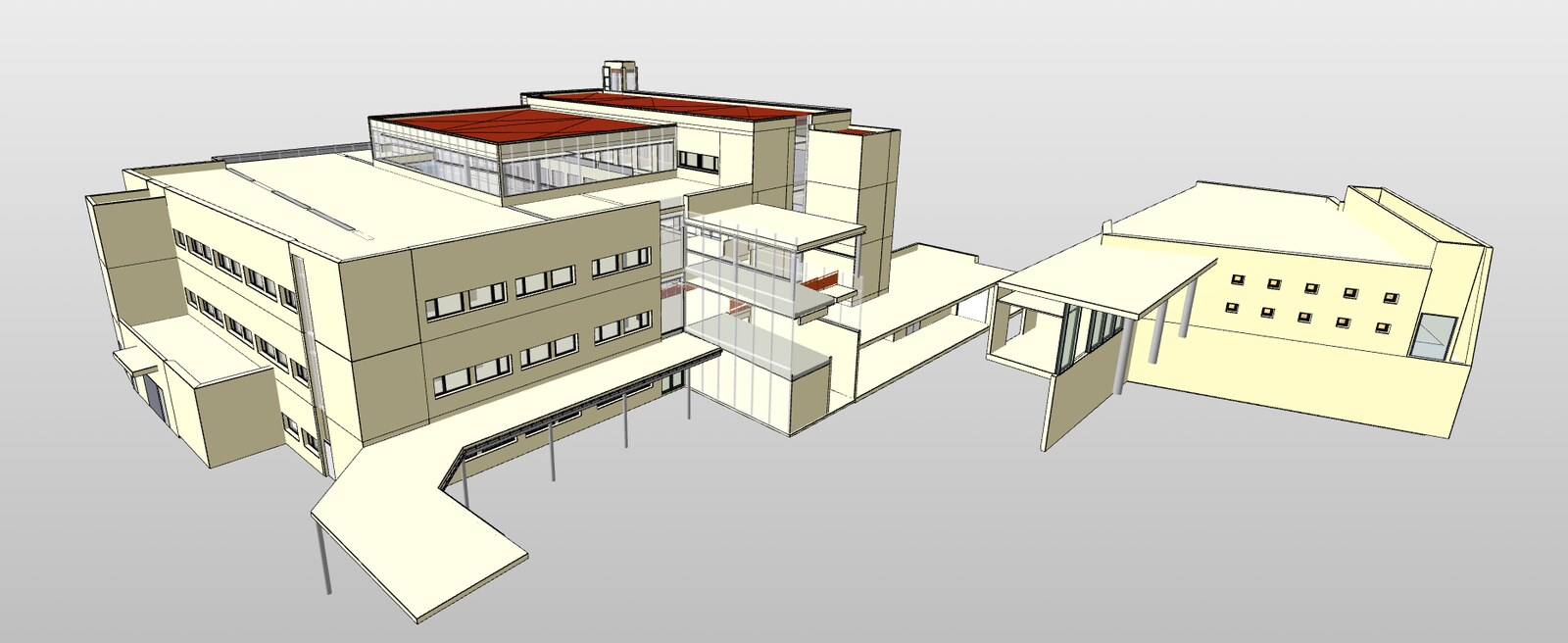
A real CAD canvas, inside your product.
AutoCAD and MicroStation files rendered natively in the browser. No conversion step.
Distance, area, angle. Coordinates and units come straight from the drawing.
Toggle layers, follow external references. The drawing behaves like it does in the desktop tool.
Overlay two CAD revisions. Every change visible without leaving your app.
Same engine also reads PDF and IFC 3D models — one integration covers the whole project archive.
AI-ready. Prompt it, or install it yourself.
@rasterex/viewer is a small, typed, zero-dependency SDK with full docs and runnable examples. Point your AI assistant at it, or install it by hand, and run a project against our backend in minutes. The backend runs as a hosted sandbox for evaluation and proof of concept, so there is nothing to set up on your side to get started.
Install
$ npm install @rasterex/viewerMount a viewer and open a drawing
01import { createViewer } from "@rasterex/viewer";02 03const viewer = createViewer({ container: "#rx-viewer" });04await viewer.mount();05await viewer.ready();06 07await viewer.documents.open({08 url: "<file URL reachable by the viewer>",09 displayName: "drawing.dwg",10 cacheId: "<stable file id from your app>",11 mime: "<file mime type>"12});Works with Vite, Next.js, Angular, React, Vue or any bundler. Full setup and runnable examples live in the docs and the examples repo.
Building against it and hit a snag? Reach us on GitHub.
From proof of concept to production.
When you can see it working and want to move toward your own integration, get in touch. We go into dialogue, build a commercial model around your case, and you install the full backend yourself, on-prem or in your own cloud, with complete control of your data and infrastructure. Rasterex never touches your files or your servers.